Note that new meetings added to the national AA website database will automatically be shared with the International Meeting Guide App as well as various Australian websites (AATimes and Find AA Meetings).
1. From the home page click on ‘More’ and the select ‘Report Changes to the Meetings List’.

2. Select ‘Add a New Meeting’
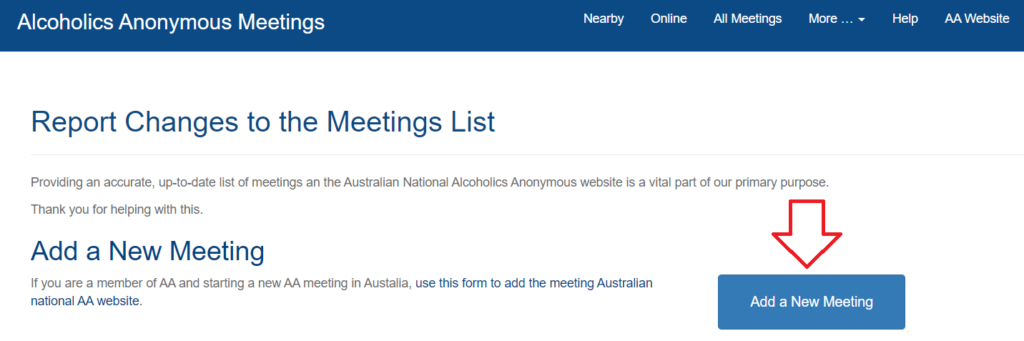
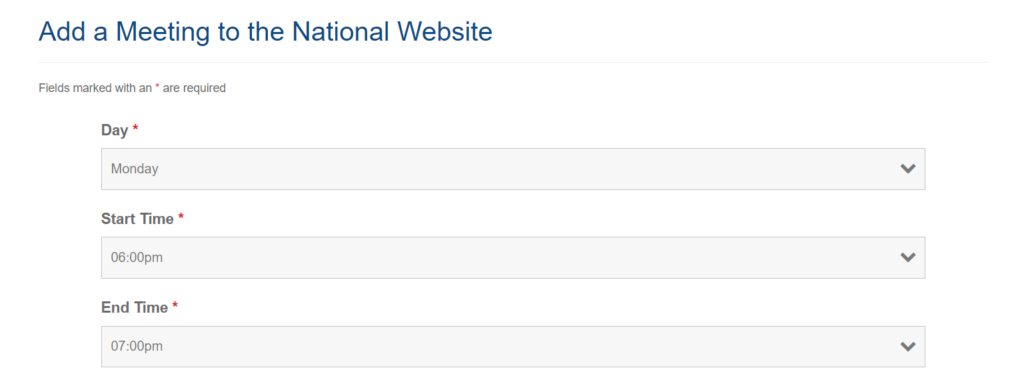
3. Select the day, start time and end time from the drop downs
4. Ensure all the tags relevant to the meeting are selected such as ‘Wheelchair accessible’ and ‘Zoom closed captioned enabled’.

5. Ensure that important information about the meeting is detailed in the Notes section.

6. Include all Zoom details in the ‘Online Meetings Details’ section. This should include Zoom link, Meeting ID and passcode (if applicable). Where possible please paste the entire Zoom invitation in this section to ensure that all Zoom details are available to the participants.

7. For all In-Person and Hybrid meetings enter the venue information including venue name, full address and any location notes that could help members locate the meeting.
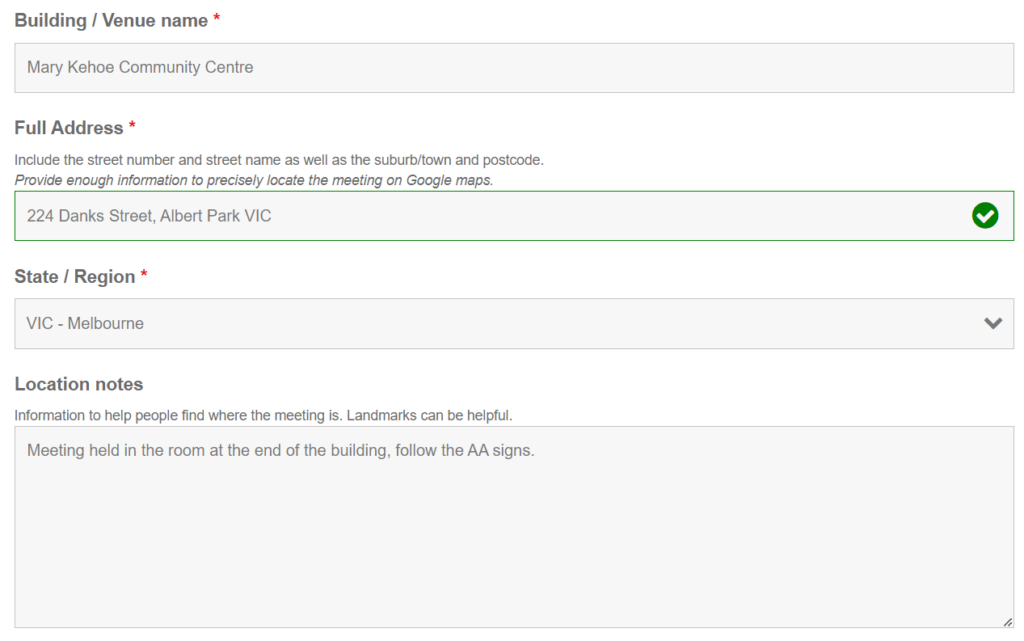
8. If the meeting in Online only, enter ‘Online from [City]’ for the venue name, the suburb and state for the address and select the state region. This is to ensure that the meeting has the correct time zone information.

9. Enter the group name and any relevant group notes.

10. Enter public phone number and email address if applicable. To ensure anonymity of all AA members the email address cannot contain the surname of any members.

11. Enter your contact details before submitting the new meeting request so that when the meeting is created you can review the listing and ensure that all of the details are correct.
